A&M FlowAgency / sales
Ami, the assistant that qualifies our own leads
2Channels, one assistant
24/7Answering, nights included
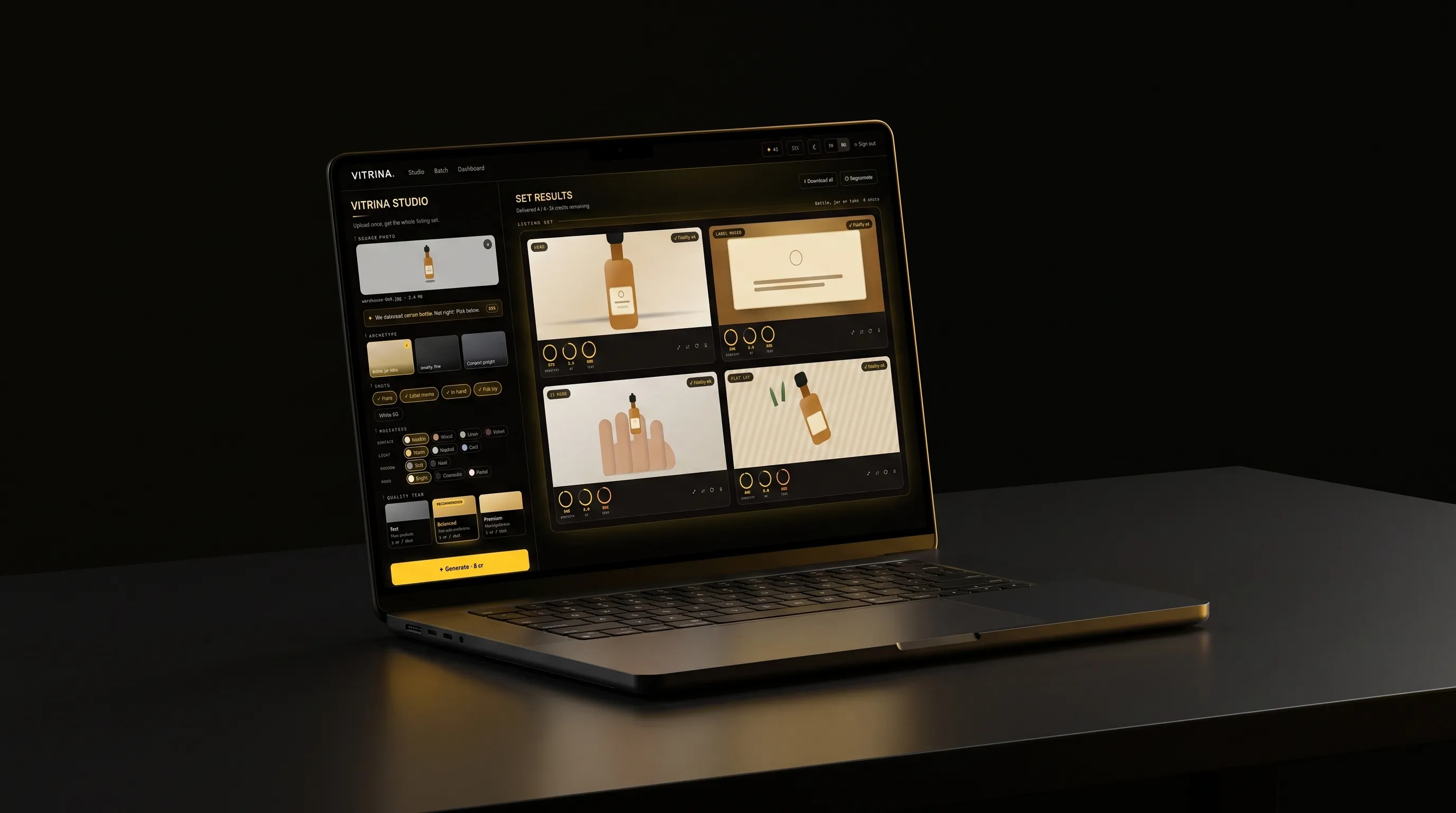
Upload the photo you already have, pick a scene and a quality tier, then get a full listing set where the light and the background change but the product never does.
Engine, presets, billing routes, i18n parity
Built with Claude Code in 10 weeks
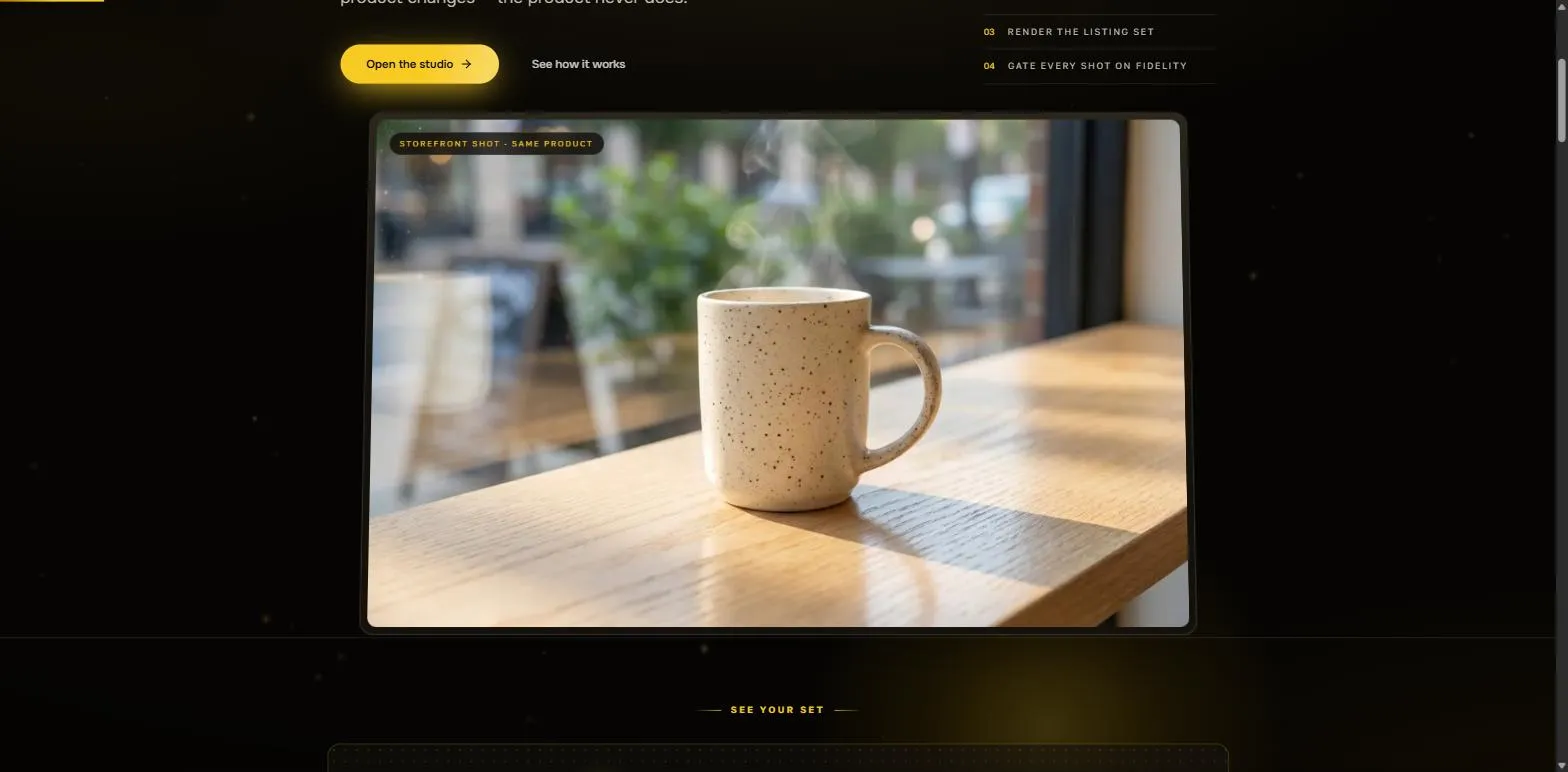
Every generated shot is compared back to the photo you uploaded before it counts as delivered. The light, the surface and the background are new, the product in the frame is still the one you sell.
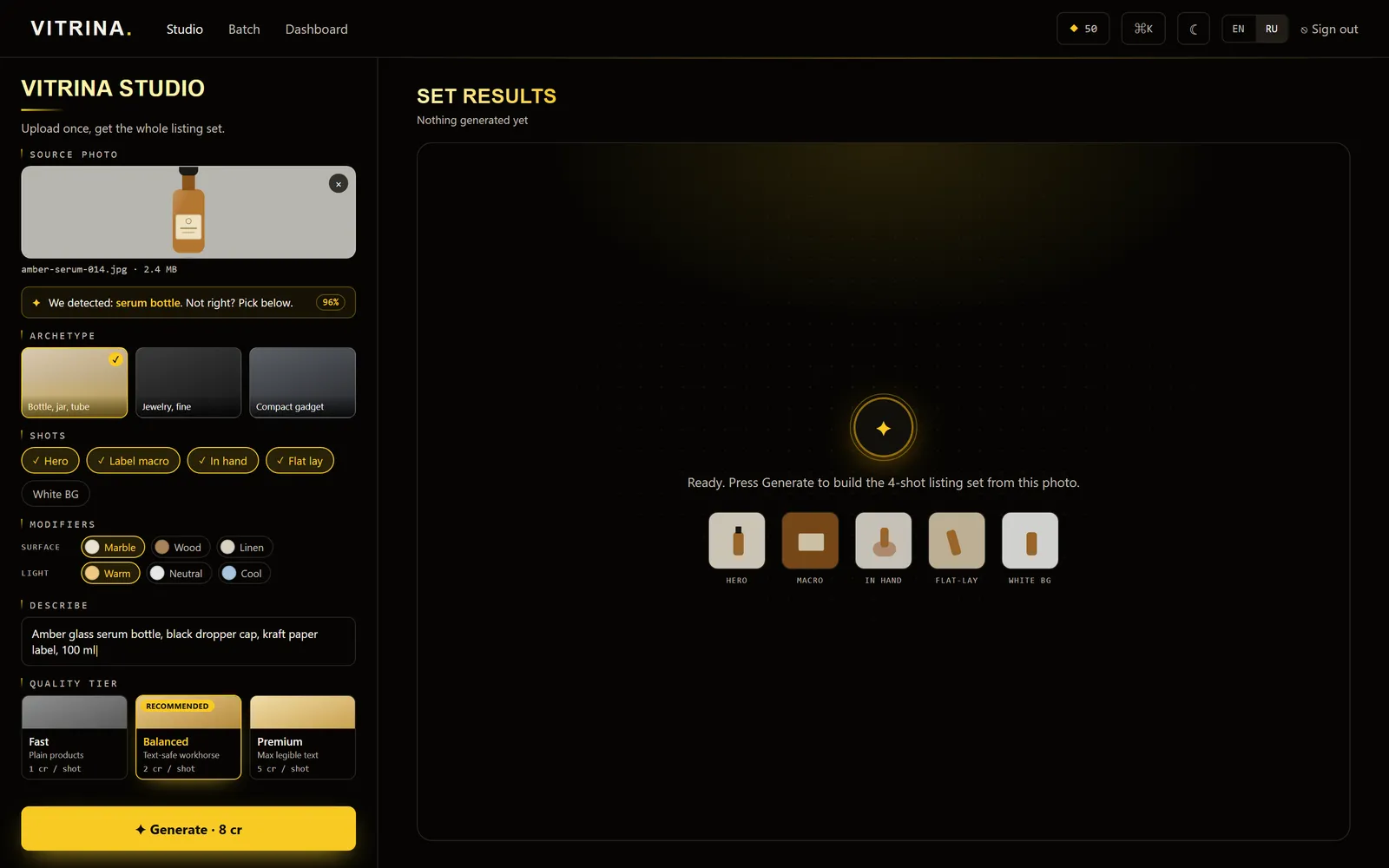
Archetype, shot list, surface and light, then a quality tier that prices a shot from one credit to five. The Generate button carries the total for the set, so nothing is spent by surprise.
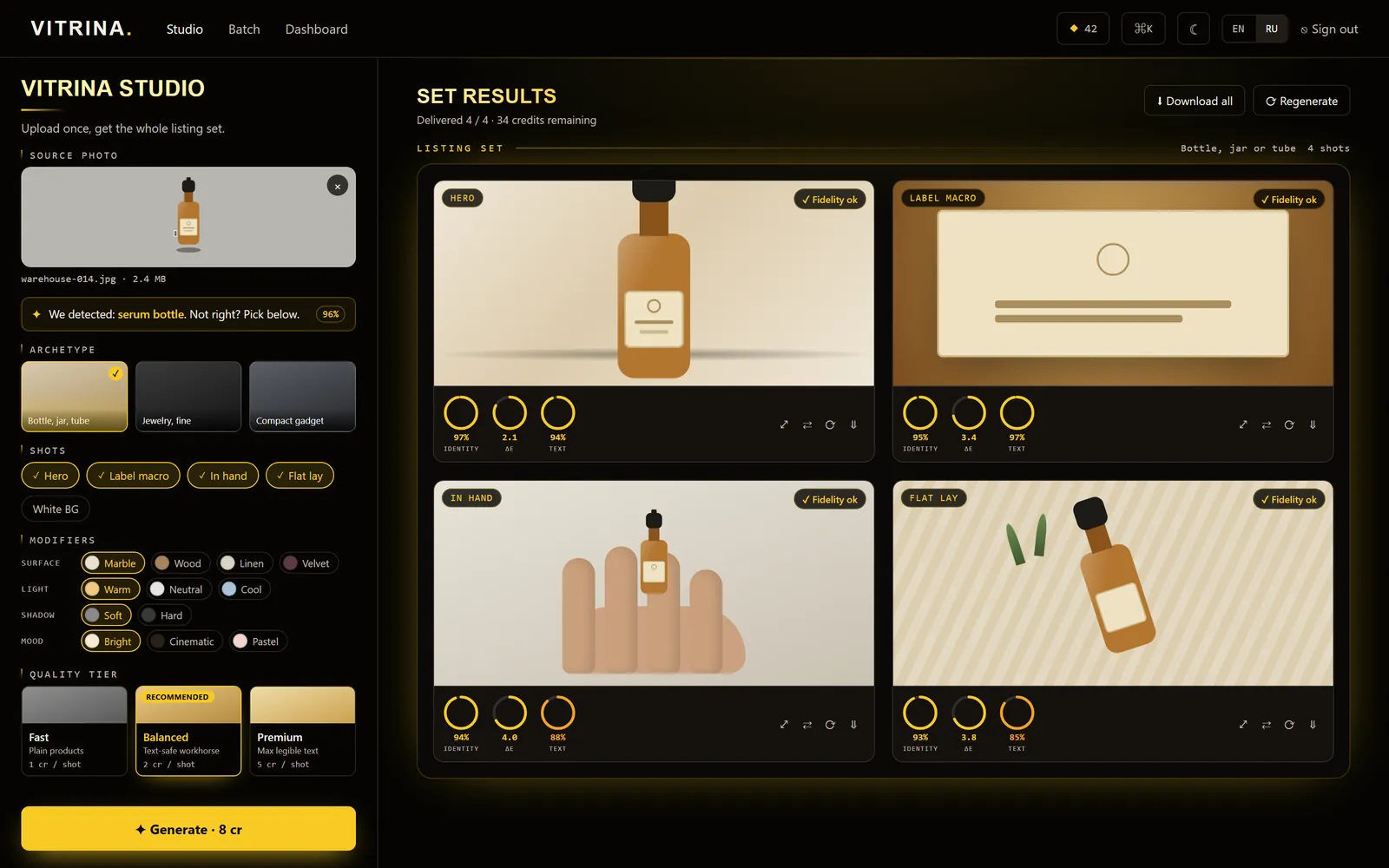
Hero, label macro, in hand and flat lay come back together, each scored on product identity, color and text legibility. A shot that misses the mark is rerun instead of billed.
Every new scene meant booking a studio and shooting the same SKU again.
One warehouse photo comes back as four checked shots, and a failed one is never billed.
01Context
A flat photo out of a warehouse box is fine for a picking list, not for a product page. Turning it into a real scene usually means a studio booking per SKU, and that cost repeats every time a catalog needs new scenes or a new market. VITRINA takes the warehouse photo as the only input and generates the storefront images around it.
02What we built
Upload a product photo, pick an archetype and a shot set from the built-in scene library, choose a quality tier and get back several storefront-ready variants. Every variant is checked against the original before it counts as delivered: the product itself never changes, only its surroundings do. A single product goes through the studio; a whole catalog goes through batch, generating a listing set per SKU instead of one photo at a time.
03How it works
The app is Next.js 16 with Supabase for Postgres, Auth, Storage and Realtime. Every image model call goes through a provider abstraction so fal.ai isn't hardwired into the rest of the app; with no key set, a mock provider echoes the product back so the full upload-to-result flow works end to end while the real fidelity check still runs. 597 Vitest tests cover the generation engine, the scene presets, the billing routes and translation parity between Russian and English.
ANM SOLUTIONS / CONTACT US
First 30-minute call is free. We scope it, you decide.
Related service · Workflow & Process Automation ›